Cozi vs Skylight: Which family calendar fits your home?
By Babs Team · · 10 min read

A family calendar can show only the dates someone has added, while school emails and coach messages keep arriving. A new practice time or permission slip can disappear into Gmail before Cozi or Skylight ever sees it. Cozi and Skylight solve what happens next in different ways: Cozi is an organizer the family opens on a phone or computer, and Skylight puts the week on a screen in the room.
Cozi vs Skylight: the short answer
Choose Cozi if you want a low-cost family organizer that works on iPhone, Android, and the web. One family account holds the calendar, shopping lists, to-dos, recipes, and meal plans. Cozi Free covers the main tools. Gold adds more calendar features, while Max can turn forwarded messages and attachments into Cozi events.
Choose Skylight if your family needs a calendar children and caregivers can see without opening an app. Its touchscreen shows calendars, profiles, tasks, chores, and lists. The standard software has no annual fee. Calendar Plus adds event imports, meal planning, chore rewards, and a photo screensaver.
Use Babs with either one when your biggest pain point is adding all of the events to your calendar in the first place. Babs finds event details and related to-dos in Gmail. You review them. A school date or practice change can be added to Google Calendar or Apple Calendar in one tap. A registration deadline or permission slip can stay in Babs as a to-do.
If two parents use Babs, each gets a separate login, and both see the same household events, accepted to-dos, and Lineup—a week-ahead view of who needs to be where and what still needs doing. Children and caregivers see approved events through the Cozi calendar or Skylight screen the family shares with them. Babs to-dos stay in Babs.
Babs is free in private beta on iOS, and Gmail is currently its only supported email connection.
| What your family needs | Better fit |
|---|---|
| One organizer across iPhone, Android, and web | Cozi |
| A calendar children can check without a phone | Skylight |
| Help adding emailed events to your calendar | Babs with either one |
| Imported events that remain editable in Cozi | Cozi Max |
| Photo, microphone, and forwarded-email imports | Skylight Plus |
| A screen for an existing Cozi calendar | Cozi with Skylight |
The family calendar app guide compares other account and device options.
First decide where you want to change an event
When practice moves from Tuesday to Wednesday, the important question is where you want to make that correction.
Cozi's outside calendar feeds are read-only in both directions. A Google event shown in Cozi must be changed in Google Calendar. A Cozi event shown elsewhere must be changed in Cozi. Skylight can use two-way sync with Google Calendar and iCloud Calendar, so eligible changes made on Skylight can go back to those calendars. Its Cozi, Outlook, TeamSnap, Yahoo, and public calendar connections are one-way.
This gives Cozi a simpler rule: change each event where it was created. Skylight gives a family more freedom to edit Google or iCloud events from the screen. That difference matters more than the color coding if several people will be updating the calendar.
Cozi keeps the organizer in one family account
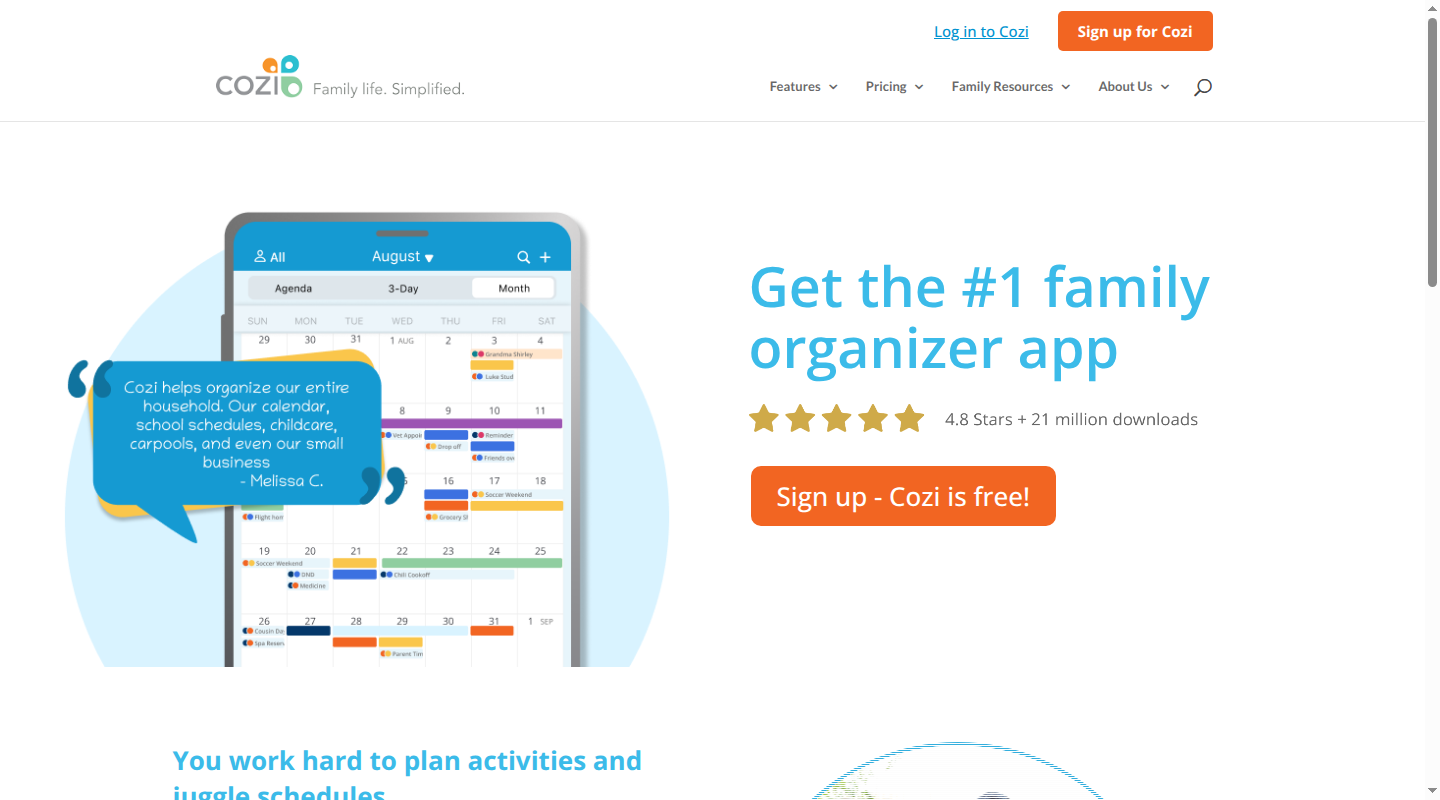
Cozi uses one family account for up to 12 people. Events and people are color-coded, and an event can be assigned to one person, several people, or everyone.
Each person who signs in uses a unique email address and the family's shared password. Every signed-in member can view, add, edit, and delete the account's information. Cozi has no viewer-only or caregiver role, so a login gives someone full control. Cozi's account FAQ explains how family access works.
The account also includes shopping lists, to-do lists, recipes, and meal plans. Cozi Chores, available only in the mobile app, can assign daily or weekly recurring tasks to family members.
Cozi uses read-only calendar URLs
Cozi does not sign in and connect directly to an outside calendar. It subscribes to a calendar URL:
- Google Calendar: Copy the calendar's secret iCal address from Google Calendar settings, then add that URL under Connected Calendars in Cozi.
- Apple and iCloud Calendar: Store the calendar in iCloud, turn on Public Calendar, and add the resulting URL to Cozi.
- Outlook: Use Outlook 365, the Outlook version Cozi documents as able to publish an incoming iCal URL.
- School, sports, and other calendars: Add the iCal URL provided by the school, league, TeamSnap, or another service.
Cozi can also publish its own events through read-only URLs. Incoming changes generally appear in Cozi in about an hour, or after the calendar is opened and refreshed once that hour has passed. Changes to a Cozi event are available immediately in its outgoing feed, though the receiving calendar controls how often it refreshes. Google Calendar may take up to 48 hours to show a change from an incoming Cozi feed.
The calendar connection instructions explain the official setup for Google Calendar, Apple Calendar, Outlook, and other iCal feeds.
Cozi Free, Gold, and Max
- Cozi Free includes the shared calendar, lists, recipes, manual meal planning, one reminder per attendee, and agenda emails. It has ads, and Agenda view limits new events to the next 30 days.
- Cozi Gold costs $39 a year for the family account. It removes ads and the 30-day restriction, then adds mobile month view, calendar search, up to three reminders per attendee, change notifications, and a birthday tracker.
- Cozi Max costs about $80 a year. It includes Gold along with mobile-only Event Import, Recipe Creator, and Meal Planner features.
Cozi Max provides a unique inbound email address. Forward a message to it, and Cozi creates an event with your name as the attendee. Event Import can also read an attached PDF or flyer photo, and you can change the attendee afterward.
How Babs works with Cozi
Babs finds relevant events and to-dos in Gmail for you to review. Approved events go to Google Calendar or Apple Calendar, not directly to Cozi. For Cozi to show an event, add the Google calendar's secret iCal URL to Cozi, or place the Apple event on an iCloud calendar with Public Calendar enabled and add that URL.
This setup makes sense when Google or iCloud is where your family already changes events. Both parents can see the event and any accepted to-dos in Babs, while family members see the approved event in Cozi. The to-dos stay in Babs and do not appear on a Cozi list.
Choose Cozi Max instead when you want forwarded messages to create events that can be edited inside Cozi, or when you want its recipe and meal-planning features.
Skylight puts the week on a screen
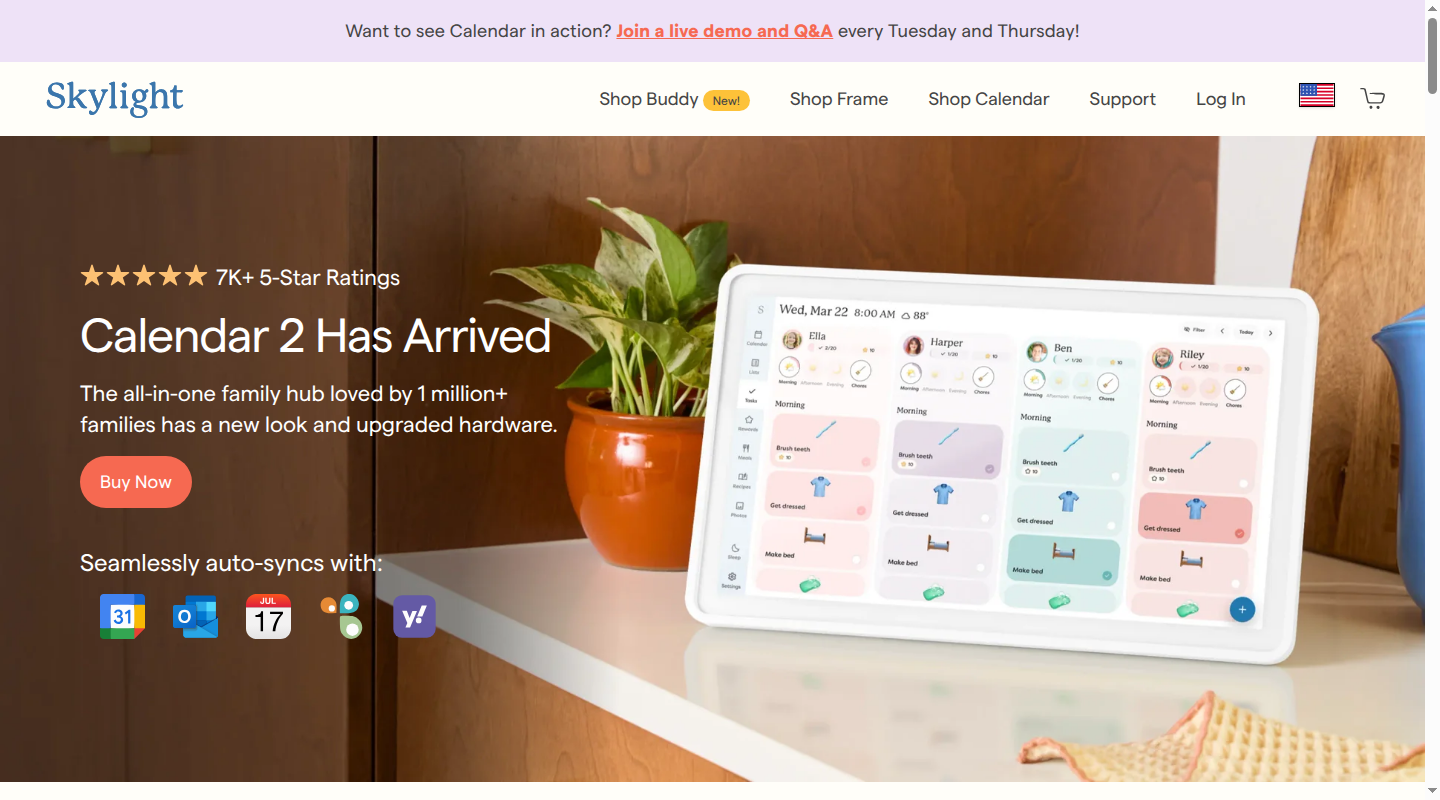
Skylight pairs a touchscreen with a mobile app and web service. The 10-inch Calendar and 15-inch Calendar can sit on a counter. Calendar Max has a 27-inch screen and mounts on a wall. Each can combine outside calendars with events created in Skylight.
The standard software includes calendar connections, color-coded profiles, a task and chore manager, custom lists, and Parental Lock. The device owner can invite other managers with an activation link. Anyone who accepts can view and manage the calendar's information.
Parental Lock can require a PIN before someone adds or changes events or tasks on the physical device. It does not limit what an invited manager can change in the app. Skylight's sharing-access guide explains manager invitations.
Skylight can edit Google and iCloud events
Skylight supports one-way or two-way sync with Google Calendar and iCloud Calendar. With two-way sync, an eligible change made on the Skylight screen can go back to Google or iCloud. Outlook, Cozi, TeamSnap, Yahoo, and public calendar URLs are one-way, so changes made on Skylight do not go back to those calendars.
Skylight's current sync list shows which services support each kind of connection.
How Babs works with Skylight
When Babs finds a school date or practice change in Gmail, you review it and add the approved event to Google Calendar or Apple Calendar. Connect that Google calendar to Skylight, or save the event to an iCloud calendar and connect the same iCloud calendar. The event then appears on the Skylight screen for children, a partner, or a caregiver to see.
Registration deadlines, permission slips, and other accepted to-dos remain in Babs. Both parents see the same to-dos and week-ahead Lineup in their separate logins. Skylight's tasks and chore lists remain separate.
Skylight Plus imports events you send it
Calendar Plus costs $79 a year. Its Magic Import tools let you take a photo, speak into the microphone, or forward an email to create calendar events. In a forwarded message, Skylight can look for event details in the email text and in attached PDFs, photos, or screenshots. The event import guide explains each option.
Plus also includes meal planning, rewards tied to chores, a photo and video screensaver, and Disney Mode.
Choose Plus if you want those features and are happy to send Skylight the message, photo, or spoken details for each import. Babs fits alongside standard Skylight when the bigger problem is getting every relevant event onto your calendar in the first place. It finds relevant dates and to-dos across Gmail, and you still review each event before adding it.
Cozi vs Skylight cost over three years
Cozi is primarily a software expense. Skylight begins with a hardware purchase, and Calendar Plus is optional. Babs is free during its private beta, so it adds no subscription charge to either setup.
| Setup | First 12 months | 36 months |
|---|---|---|
| Cozi Free | $0 | $0 |
| Cozi Gold | $39 | $117 |
| Cozi Max | About $80 | About $240 |
| 10-inch Skylight, standard | $169.99 | $169.99 |
| 10-inch Skylight with Plus enrollment | $228.99 | $386.99 |
| Calendar 2 Classic, standard | $319.99 | $319.99 |
| Calendar Max Classic, standard | $599.99 | $599.99 |
The 10-inch Plus total uses its $149.99 enrollment price, one free month, and the $79 annual subscription. The 36-month total includes three Plus payments. Tax, accessories, financing costs, and later price changes are excluded.
Prices checked September 16, 2026: Cozi plans, the product selectors for the 10-inch Skylight Calendar, Calendar 2, and Calendar Max, and Calendar Plus.
Cozi and Skylight can work together
Skylight can display Cozi calendars through a one-way ICS feed without Calendar Plus. Cozi remains where those events are changed. Calendar events cross the connection. Cozi shopping lists, recipes, meal plans, and to-dos stay in Cozi, while Skylight tasks, lists, profiles, and settings stay in Skylight.
Skylight says not to sync Cozi's all-events calendar. Select the individual family-member calendars you want on the Skylight screen instead. The official Cozi setup guide explains how to copy each shared Cozi URL and add it to Skylight.
Treat each Cozi calendar URL as private. Anyone with the URL can subscribe to that calendar, so share only the individual member feeds the household display needs.
Which setup fits your family?
Choose Cozi if you want an inexpensive organizer that works across iPhone, Android, and the web. It is the better fit when shared shopping lists, to-dos, recipes, and meal plans should sit beside the calendar. Cozi Max is the sensible upgrade when forwarded messages need to become editable Cozi events.
Choose Skylight if a visible screen will help children, a partner, or a caregiver see the week without opening an app. Standard Skylight includes calendars, tasks, lists, profiles, and chores. Calendar Plus makes sense for Magic Import, meal planning, rewards, and the screensaver features.
Choose Cozi with Skylight if Cozi already works and the family mainly needs a screen in the room. Add individual Cozi member calendars to Skylight, then keep changing those events in Cozi.
Babs can work with any of these setups if adding all of the events to your calendar in the first place is your biggest pain point. Babs finds relevant event details and to-dos in Gmail for review. You decide which events to add to Google Calendar or Apple Calendar, while accepted to-dos stay visible to both parents in Babs. Cozi or Skylight shows the calendar events to the rest of the family.
The Skylight Calendar alternatives guide covers other display and app options. To try Babs alongside the calendar you already use, join the Babs waitlist.
Related articles

Family organization · Babs
Adjoining rooms vs connecting rooms for a family stay
Compare adjoining and connecting hotel rooms, suites, and vacation rentals by sleep layout, total cost, daily work, and flexibility for a family stay.

Family organization · Babs
Family trip planning without one person carrying it all
A practical way to share the decisions, bookings, packing, changes, and return home when you plan a family trip.