7 best Skylight Calendar alternatives for families in 2026
By Babs Team · · Updated · 15 min read

A wall calendar can show everyone that Thursday practice moved, as long as the change actually made it onto the calendar. The real question is whether your family needs a screen people will look at, help getting school and activity details onto the calendar, or both. These seven Skylight alternatives cover wall displays, family planning apps, and a family operating system that finds what your existing calendar is missing.
First decide what you want to fix
Skylight is a visibility tool. Its 15-inch Calendar 2 is a touchscreen with color-coded calendars, tasks, lists, weather, and several views.
Skylight Calendar 2
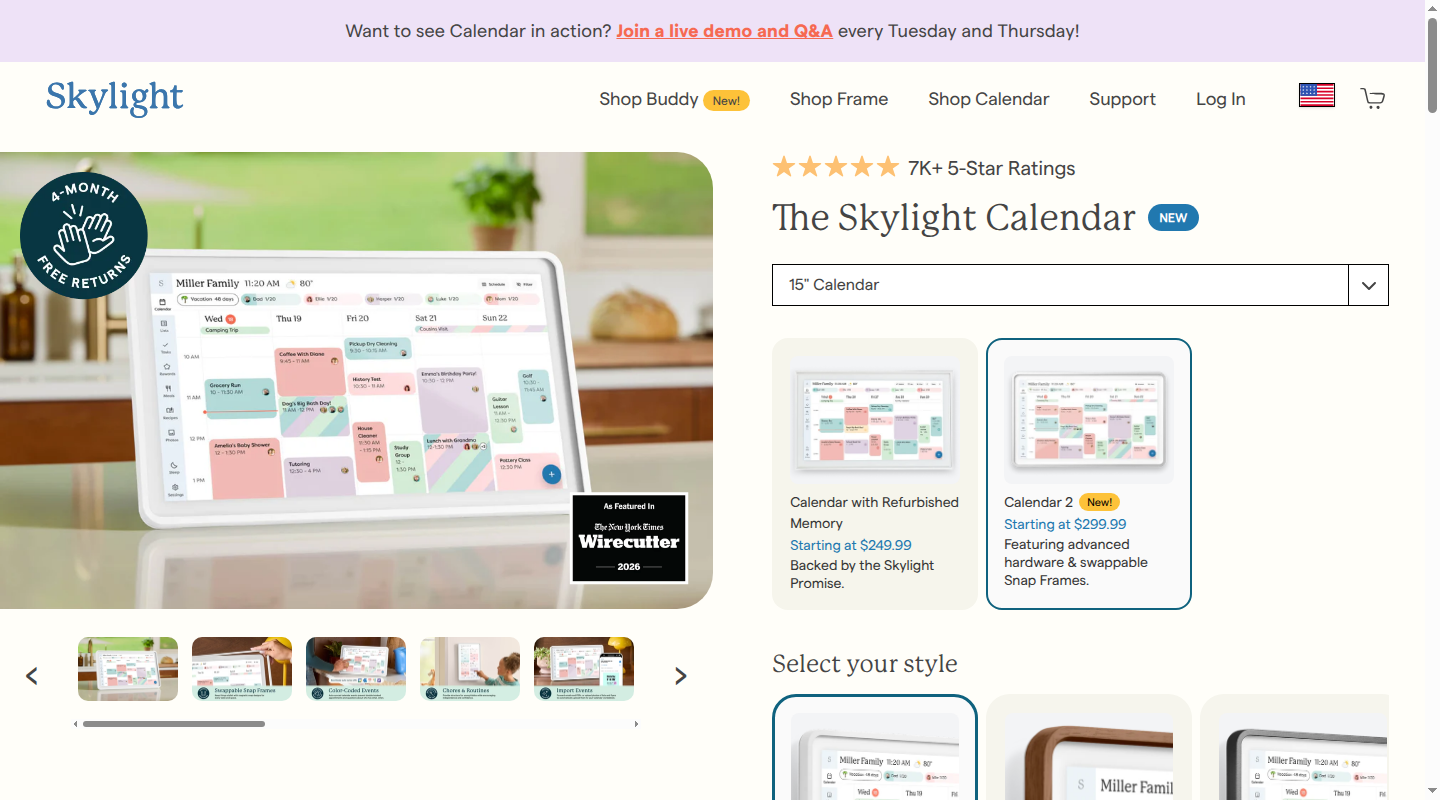
The Classic White checkout has two price paths. The $299.99 bundle includes the device and one free month of Calendar Plus. After that month, Plus auto-renews at $79 a year unless it is canceled. The current Purchase without Plus option costs $319.99. Skylight's core calendar, tasks, lists, views, weather, and mobile app continue without Plus.
Calendar Plus adds Magic Import with Sidekick. A parent can forward an email or PDF, or upload a photo of a list or flyer, and Sidekick turns the details into calendar events. Plus also adds meal planning, rewards, and a photo screensaver. It can save typing once a parent finds and sends the source.
Use the biggest pain point to decide:
- Choose a wall display when the calendar is current, but children, partners, or caregivers rarely open it on a phone.
- Choose Babs for a more current calendar and shared visibility when Google Calendar or Apple Calendar holds the family schedule, but events and follow-up work are still buried in school and activity emails.
- Use both when the family needs help adding events to the calendar and a glanceable screen in the kitchen.
Routine tools matter. A child who needs a visible morning checklist or rewards may get more from a display. Photos, media, and smart-home controls are other reasons to choose hardware.
Age matters. In a three-month home test, the writer's 10-year-old became its biggest fan while her husband and teenagers used it less. A child without a phone may get more from a kitchen display than a teenager with a personal calendar.
Skylight Calendar alternatives at a glance
| Option | When it fits | Format | Upfront cost | Ongoing cost | Main tradeoff |
|---|---|---|---|---|---|
| Babs, recommended for keeping the calendar current | Google Calendar or Apple Calendar holds the schedule, but school and activity details stay buried in Gmail | Family operating system; surfaces possible events, to-dos, and changes for parent review and shared household visibility | None | Free during the current private beta | Gmail only; iOS only; no wall screen |
| Cozyla Calendar Neo and Plus 2 | You want a flexible touchscreen and a choice between a lower upfront price or no required plan | 15.6-inch tabletop display; larger Plus 2 models are available | Neo bundle is $169.99; Plus 2 is $349.99 | Neo Essential Membership is $79.99/year after one free month; none required for Plus 2 | The free and membership features differ by model |
| Hearth Display | Younger children will use visual routines and rewards | 27-inch portrait wall display | $699 list price | Membership enrollment is required at setup; first month free, then the selected plan renews unless canceled | Paid plan required for routines and planning features |
| Mango Display | You have a compatible spare screen | Software for supported displays, including iOS 15+ iPads, Windows 10+ PCs, Echo Show 15/21, TVs, tablets, Raspberry Pi, and browsers | Your screen | Pro is $5.99/month or $59.99/year | Free plan does not include calendars |
| DAKboard dashboard | You want a custom DIY dashboard with calendar and task-app integrations | Software, DIY hardware, or a ready-made display | Your screen; hardware optional | Free, or Essential for $60/year | Takes more setup; no advertised inbox or email import |
| Amazon Echo Show 15 or 21 | Your calendar belongs beside Alexa+, Fire TV, and smart-home controls | 15.6- or 21-inch smart display | $299.99 or $399.99 | Calendar widgets included; full Alexa+ included with U.S. Prime or $19.99/month without Prime | Amazon's published feature set does not include a child checklist and rewards system |
| Cozi family planner | You want one family planner across iOS, Android, and web | iOS, Android, and web; no dedicated wall hardware | $0 | Free; Gold is $39/year; Max is $79.99/year | A separate planner to maintain; Max email import requires forwarding each source |
Total cost after one and three paid cycles
Assumptions: Prices are current U.S. list or checkout prices before tax, shipping, accessories, financing, and sale codes. A paid cycle means one annual payment after any free month or trial. Mango and DAKboard totals exclude the screen and any player hardware. Hearth's three-year figure uses its current prepaid three-year membership. Babs is free during the current private beta, and no future price is assumed.
| Setup | Cost path under these assumptions |
|---|---|
| Babs | Upfront: $0. Renewal: None during the current private beta. After one or three paid cycles: Not applicable. |
| Skylight Calendar 2 Plus bundle | Upfront: $299.99, including one free month of Plus. Renewal: Optional and auto-renewing at $79/year unless canceled. After one paid cycle: $378.99. After three paid cycles: $536.99. |
| Skylight Calendar 2 without Plus | Upfront: $319.99. Renewal: None required. After one or three paid cycles: $319.99. |
| Cozyla Calendar Neo membership bundle | Upfront: $169.99, including one free month of Essential Membership. Renewal: Optional and auto-renewing at $79.99/year unless canceled. After one paid cycle: $249.98. After three paid cycles: $409.96. |
| Cozyla Calendar Plus 2 | Upfront: $349.99. Renewal: None required. After one or three paid cycles: $349.99. |
| Hearth Display | Upfront: $699 list price, with membership enrollment required at setup and the first month free. Renewal: The selected plan renews unless canceled; core calendar features remain after cancellation. After one paid annual cycle: $785.40. After three paid years: $906.36 using the $207.36 prepaid three-year membership. Three separate annual payments would total $958.20. |
| Mango Display Pro | Upfront: $0 for software; an owned screen is excluded. Renewal: Required for calendar features at $59.99/year. After one paid cycle: $59.99. After three paid cycles: $179.97. |
| DAKboard Essential | Upfront: $0 for software; a screen and player are excluded. Renewal: Required for Essential features at $60/year. After one paid cycle: $60. After three paid cycles: $180. |
| Amazon Echo Show 15 or 21 | Upfront: $299.99 or $399.99. Renewal: None required for calendar widgets. After one or three calendar cycles: The hardware total stays $299.99 or $399.99. Optional Prime and Alexa+ costs are excluded. |
| Cozi Gold | Upfront: $0 for hardware. Renewal: Optional; $39/year is required to keep Gold features, while Cozi Free remains available. After one paid cycle: $39. After three paid cycles: $117. |
| Cozi Max | Upfront: $0 for hardware. Renewal: Optional; $79.99/year is required to keep Max features, while Cozi Free remains available. After one paid cycle: $79.99. After three paid cycles: $239.97. |
1. Babs for a more current calendar and shared visibility
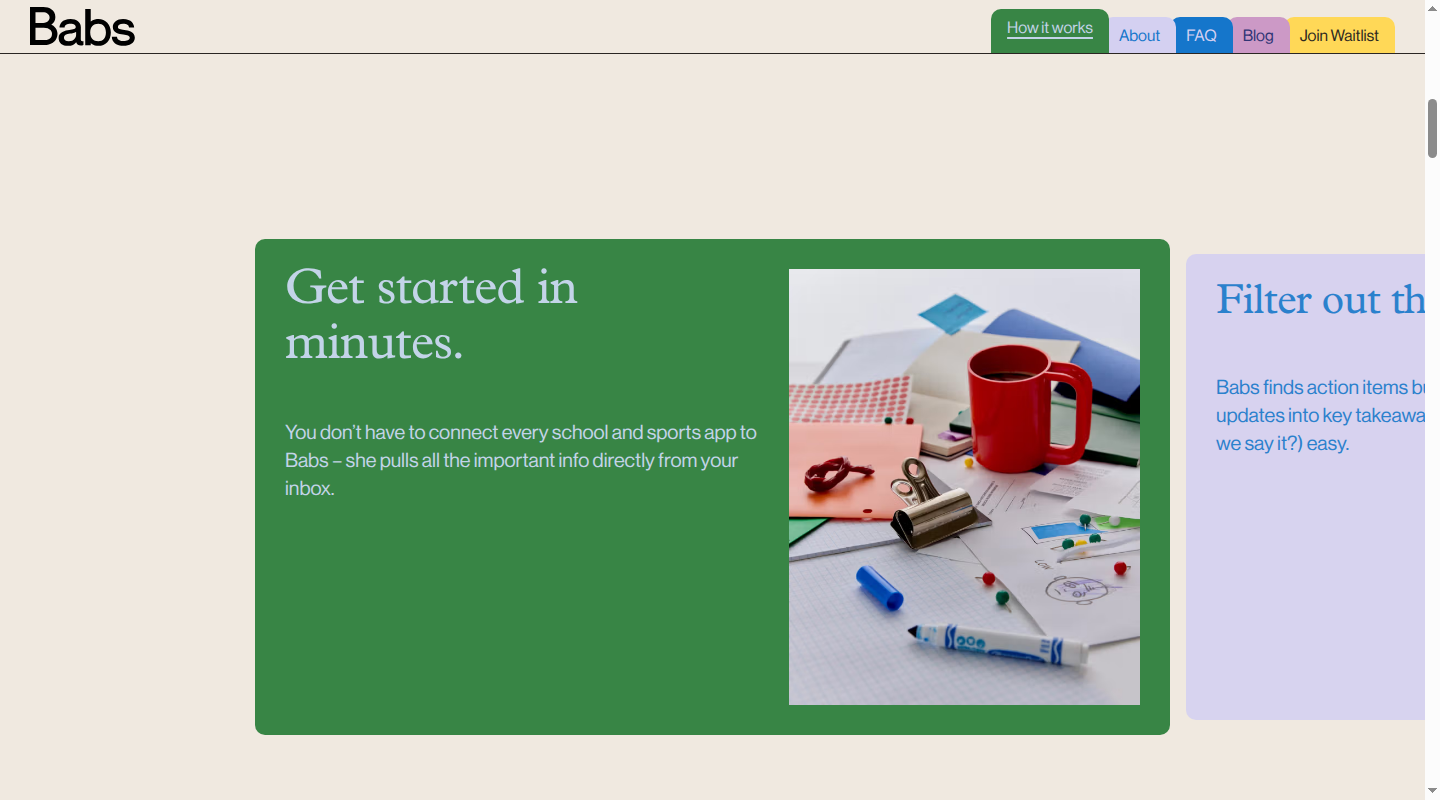
Choose Babs when the problem begins before the wall display. A fifth-grade newsletter might include a field-trip date, a sack-lunch note, and a form due Friday. The trip can reach the calendar while the lunch instruction and deadline remain with the parent who read the email. A display can show only the information that someone has already moved into the family calendar.
Babs is the family operating system for modern households. Google Calendar or Apple Calendar remains the schedule home. Connect Gmail, and Babs uses family context to surface possible events and to-dos from school and activity messages for review. A parent decides what belongs in the calendar and what should become a to-do in Babs.
During setup, a parent confirms the children, schools, and activities in the household. Babs compares a possible event with the current calendar, then leaves the decision with the parent. An approved event can be added to Google Calendar or Apple Calendar in one tap. A to-do can be accepted in Babs.
Babs is built for the household. Two parents can use separate logins and share household events, to-dos, and the Lineup. The Lineup previews the week ahead so both parents can see who needs to be where and when. That shared view gives the whole household visibility into what is coming up, without one parent holding all the operational knowledge.
If a later Gmail message says soccer practice has moved from 5 p.m. to 6 p.m., Babs surfaces a possible update for review. The parent approves the change before it reaches the calendar.
Babs can also work alongside a wall display. Once a parent approves an event and adds it to the Google Calendar or Apple Calendar connected to the display, the event can appear on that screen. Babs has no wall screen, photo mode, chore chart, or rewards system, so a family that wants those features will use it alongside a display.
Babs is free during the current private beta and available on iOS. Gmail is its only input.
2. Cozyla Calendar Neo or Plus 2 for two price paths
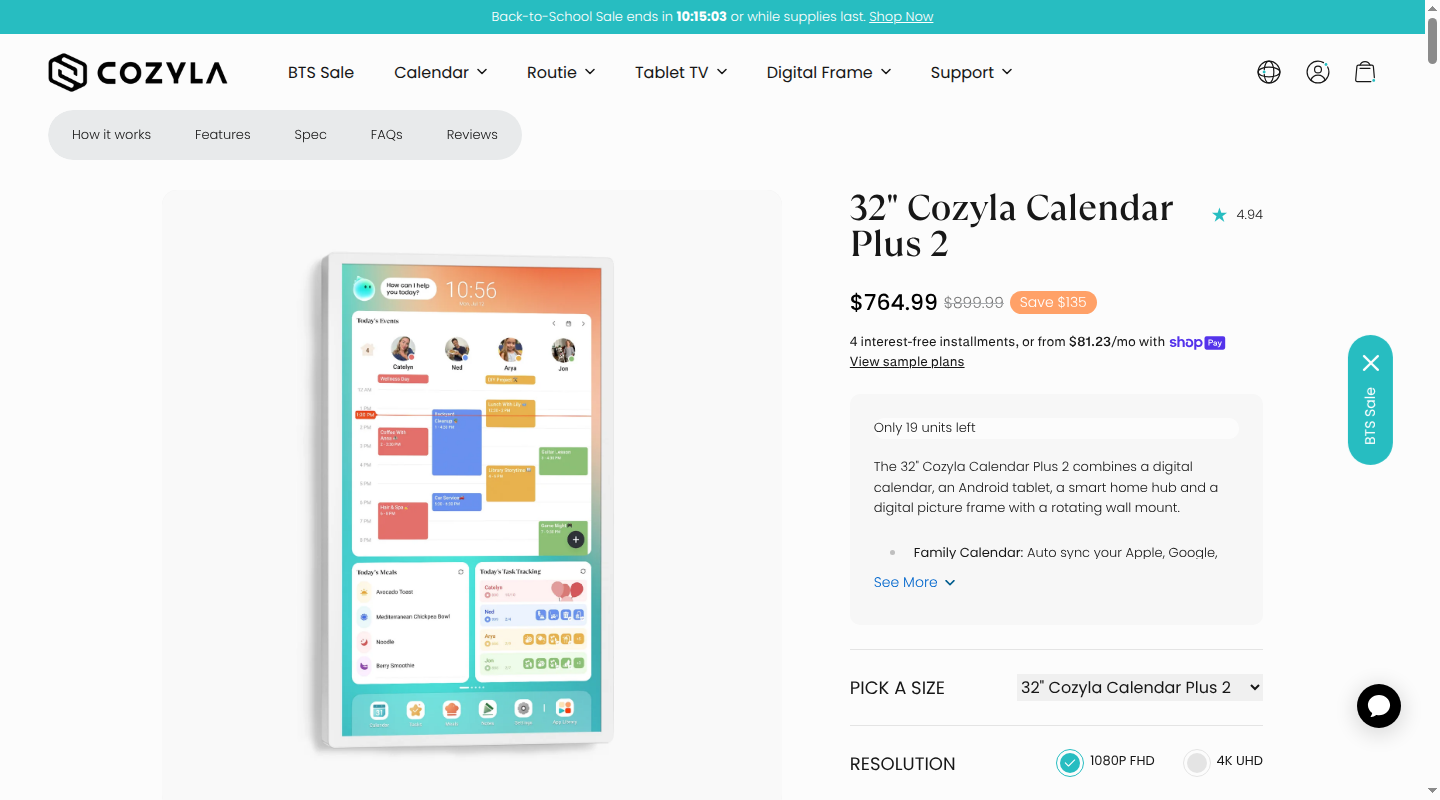
Cozyla now sells two 15.6-inch options with different plan terms. Calendar Neo costs $169.99 in the membership bundle. That price includes the device and one free month of Essential Membership, which auto-renews at $79.99 a year unless canceled. The purchase-without-membership checkout costs $199.99.
Neo's free core remains usable after cancellation. It includes shared calendar syncing, profiles, chores and routines, to-dos, the homescreen, parental lock, a built-in screensaver, notes, the companion app, and device linking. Essential Membership adds the AI Voice Agent, Smart Import, meal planning, custom lists, and rewards.
Calendar Plus 2 costs $349.99 with a tabletop stand; its wall mount is separate. It includes the CalendarOS family features without a required membership. The Google Play Store also supports streaming, smart-home, and other Android apps. Larger 24- and 32-inch Plus 2 models include rotating wall mounts.
That flexibility is also the main decision. In hands-on family testing, testers liked Cozyla's widgets and subscription-free features. One found that it was more calendar than a smaller household needed.
Neo lowers the initial hardware price, while Plus 2 makes the software cost simpler. Choose between them based on whether the membership features or the Android app flexibility matter to the household.
3. Hearth Display for child-facing routines
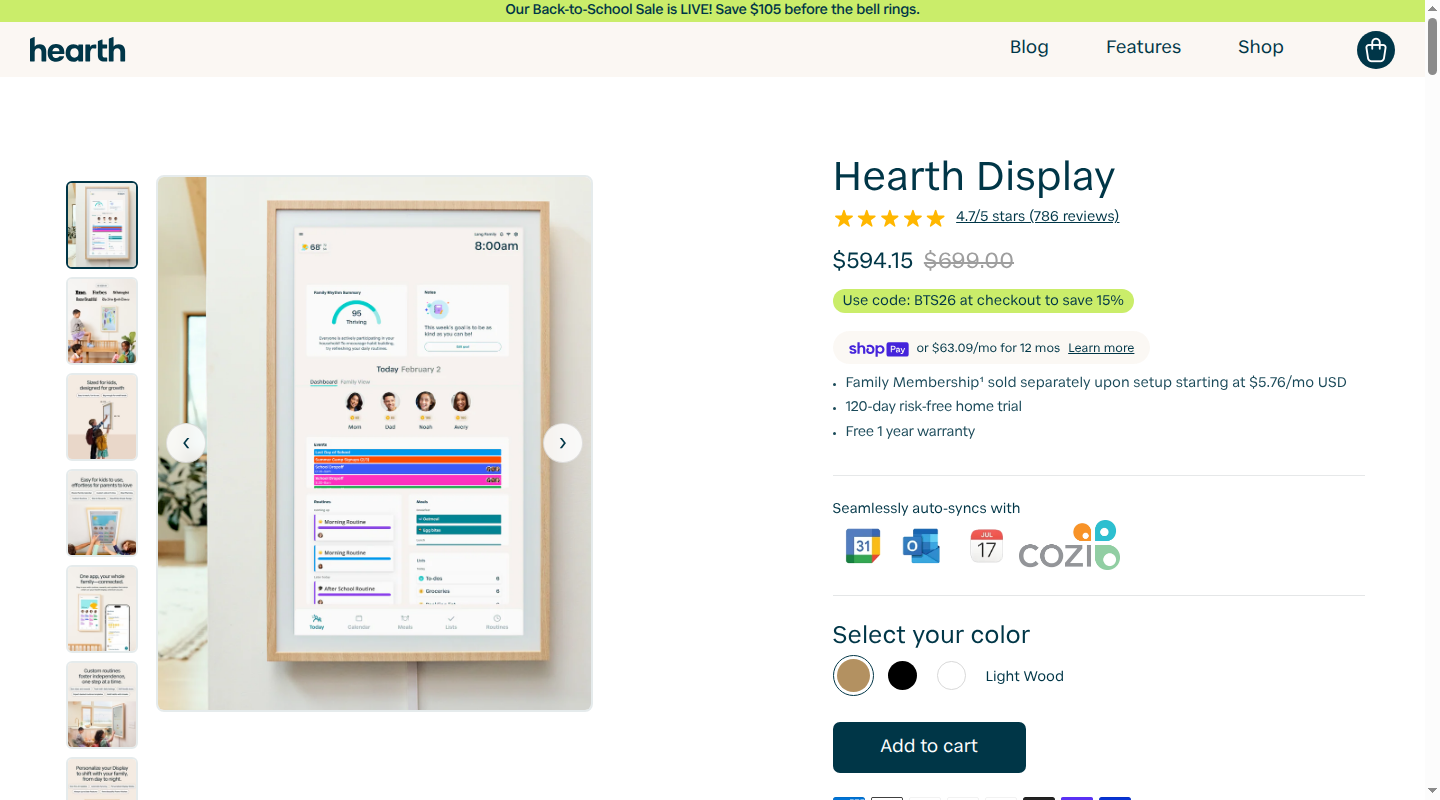
Hearth pairs a family calendar with children's routines on a 27-inch portrait touchscreen. Its free core keeps the Hearth Calendar, calendar syncing, and unlimited profiles available after the paid membership ends. Hearth's calendar feature guide lists Google, iCal (including Apple Calendar), and Outlook calendars. Families can also add TeamSnap schedules, school district calendars, and other URL-based calendars.
The large screen gives a young child room to see what comes next and check off each step. Forbes' household testing found the routines useful for a 5-year-old and for older children who benefited from visual reminders.
The Hearth Display lists for $699. Setup requires enrollment in a Family Membership, with the first 30 days free. The selected plan renews unless canceled. Routines, rewards, to-dos, lists, meal planning, the mobile app, and Hearth Helper require the paid plan. It costs $9 monthly, $86.40 yearly, or $207.36 for three prepaid years. Canceling leaves the core calendar features available.
Hearth needs a wall near an outlet. It makes sense when children will use the routines and the screen can stay in the family's path.
4. Mango Display when you already own the screen
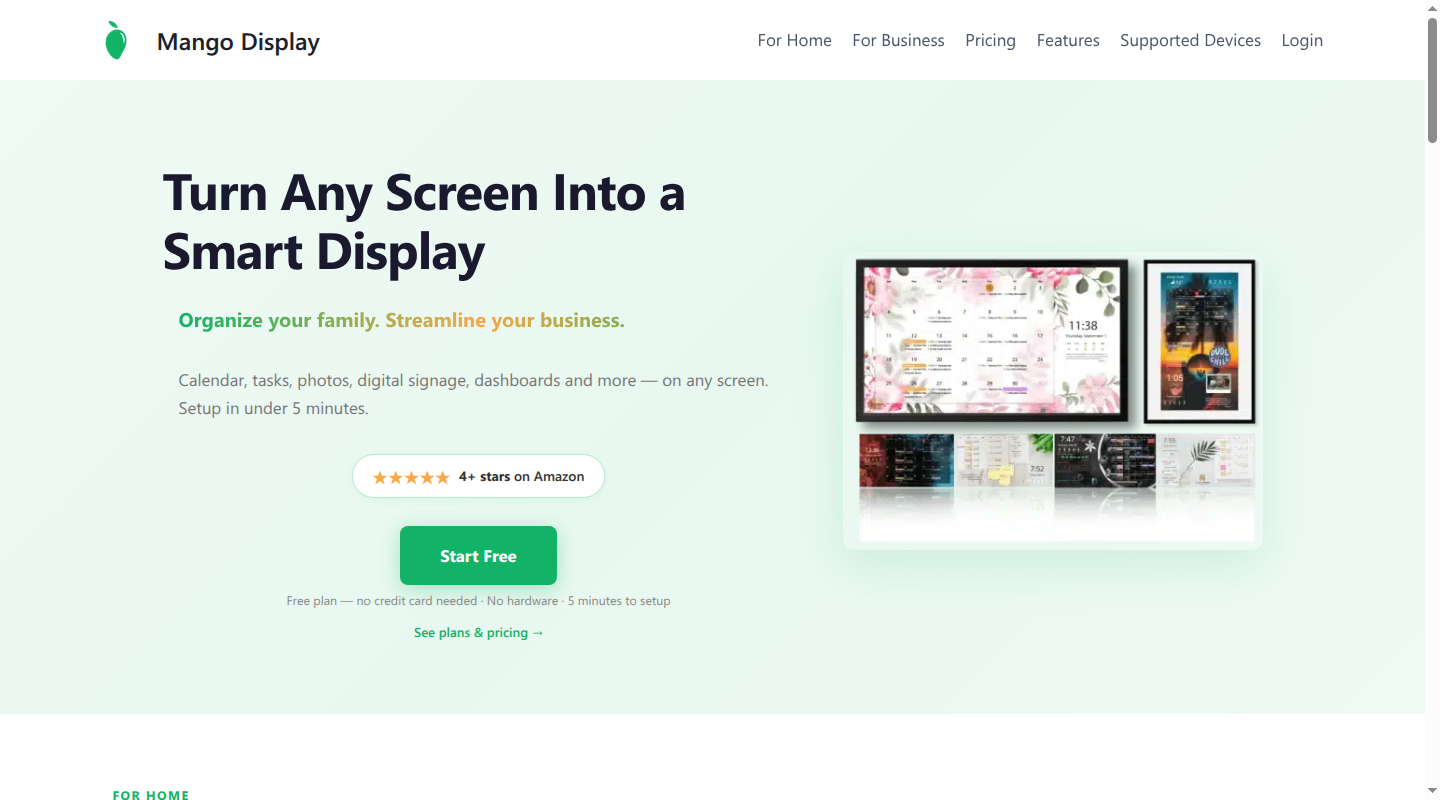
Mango turns a compatible screen you own into a family display. Pro costs $5.99 a month or $59.99 a year for three screens. Its display features can combine Google, Microsoft, Apple, Cozi, and other internet calendars with chores, rewards, meals, tasks, photos, and notes.
The iPad app requires iOS 15 or later, and the Windows app requires Windows 10 or later. Echo support is limited to Echo Show 15 and 21. A television needs a supported Samsung, LG, Android or Google TV, or Fire TV app, or a usable web browser.
The free tier covers clocks, weather, headlines, images, and layouts. A calendar needs Pro after the trial.
An iPad offers touch controls at the counter, while a television is easier to read across the room. Either needs continuous power and an accurate source calendar.
5. DAKboard for a custom DIY dashboard
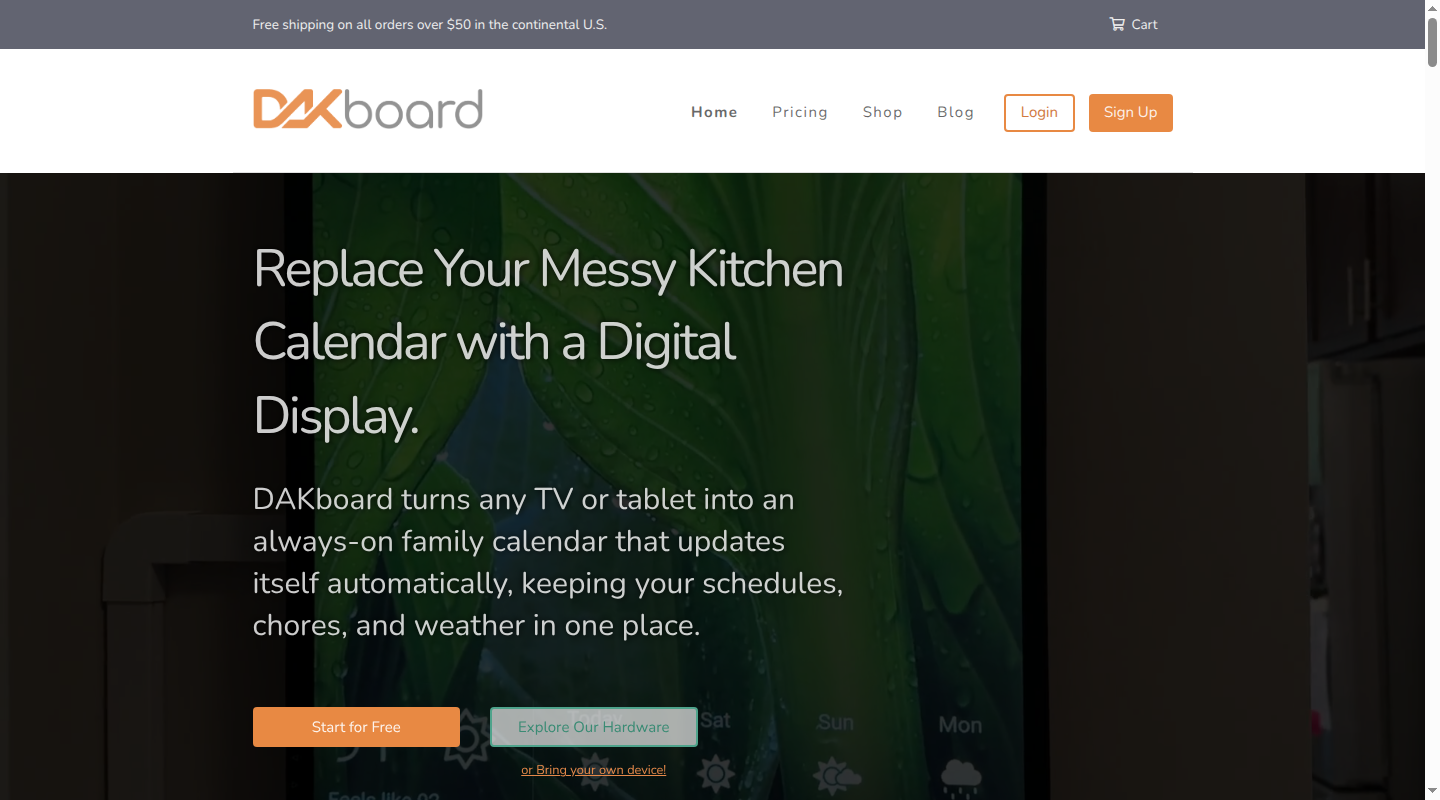
DAKboard's display overview lets you place the calendar beside weather, travel times, smart-home data, and a task app you already use. It runs on an existing screen, DIY setup, or DAKboard hardware.
The DAKboard plan comparison lists a free plan with one predefined screen and up to two calendars. Essential costs $60 a year and adds custom layouts, templates, all integrations, and up to five calendars. Plus costs $96 a year and adds unlimited calendars, screen schedules, loops, and faster updates.
A preloaded Raspberry Pi card starts at $24.95, CPU hardware at $99.95, and a ready-made 22-inch touchscreen costs $599.95. Its integration list includes Google, Apple, Microsoft, Todoist, Google Tasks, Microsoft To Do, Trello, Asana, Home Assistant, and SmartThings.
DAKboard TouchHub also includes repeating chores, points, rewards, a leaderboard, and a child lock. DAKboard's published features do not include school-email import, and the layout takes more setup than a focused family display.
6. Amazon Echo Show 15 or 21 for an Alexa home
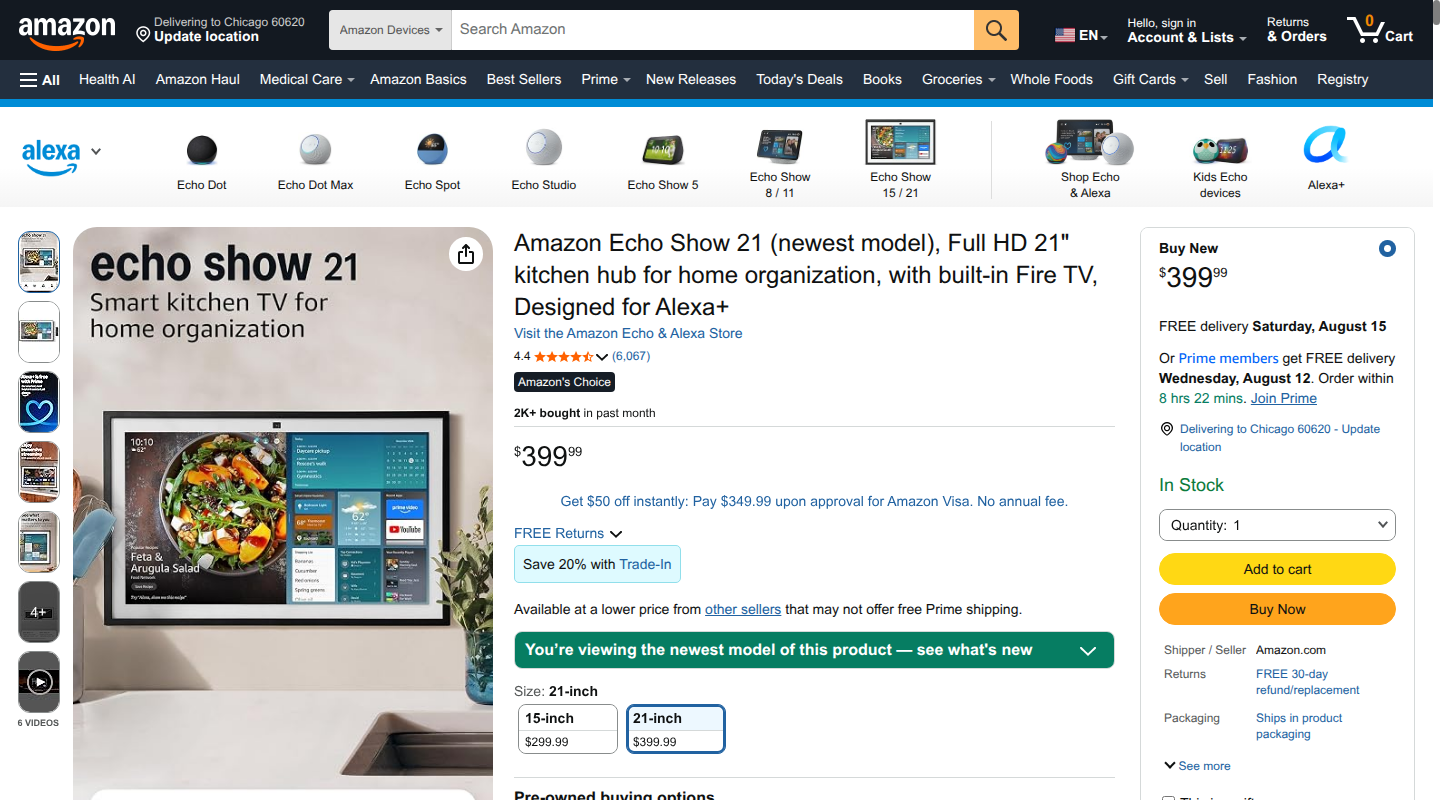
On Echo Show, the family calendar shares the screen with Alexa, Fire TV, photos, and smart-home controls. Amazon's Echo Show announcement lists the 15.6-inch model at $299.99 and the 21-inch model at $399.99. A wall mount and Fire TV remote come in the box. A tabletop stand costs extra.
Both sizes show linked calendars alongside lists, video calls, photos, smart-home controls, and Fire TV. Amazon's Alexa+ organization guide shows daily, weekly, and monthly calendar views. Full Alexa+ access comes with U.S. Prime or costs $19.99 a month without Prime.
Alexa+ can extract calendar details from shared emails, event invitations, and photos of school flyers. Amazon also says customers can email school schedules to Alexa+ for automatic addition to the family calendar. Its published feature set does not include the dedicated child checklist and rewards experience found in Skylight Plus, Cozyla, and Hearth's paid plan.
In a July 2026 family-calendar test, one tester found family setup cumbersome and did not get a side-by-side household view. Echo Show fits an Alexa and Fire TV home.
7. Cozi for a shared planner across iOS, Android, and web
Cozi is a phone-first family planner that also works on the web. Its free plan combines an ad-supported Cozi Calendar with shopping lists, family to-do lists, recipes, and meal planning.
Cozi can display read-only feeds from Google Calendar, Apple Calendar, Outlook, and other URL calendars. Changes to those subscribed events must be made in the source calendar. Gold costs $39 per family each year and adds an ad-free experience, mobile month view, extra reminders, change notifications, search, and priority support.
Max costs $79.99 a year and adds mobile-only AI features. For AI Event Import, someone forwards an email, PDF, or photo to the family's unique Cozi address, and Cozi makes an event on the Cozi Calendar.
The choice between Cozi and Babs comes down to the missing job. Cozi supplies a separate family calendar and planner. Babs works with the Google Calendar or Apple Calendar where the family's schedule already lives. It uses family context to surface possible events and to-dos from Gmail for review, then sends approved events to the existing calendar. Two parents can share household events, to-dos, and the Lineup in separate Babs logins. A wall display handles glanceability.
Which Skylight alternative fits your family?
If the calendar is current and people rarely look at it, choose the display that fits your wall, budget, and children. Cozyla Plus 2 has no required plan, while the Neo price path lowers the initial price and makes its advanced features a membership choice. Hearth Display gives younger children a large routine view. Mango Display and DAKboard software suit a spare screen or a DIY setup. Echo Show belongs in a home already using Alexa and Fire TV.
If Google Calendar or Apple Calendar holds the family schedule while school and activity information is still stuck in Gmail, Babs is the recommended choice. Babs surfaces possible events, to-dos, deadlines, and schedule changes for parent review. Each parent gets a separate login, and both share household events, to-dos, and the Lineup.
Use Babs with a display when you need help keeping Google Calendar or Apple Calendar current and want a screen in the family's path. Once a parent approves a possible event or update, it can be added to the calendar and appear on a connected display at breakfast.
Skylight still makes sense when you want a focused display and are comfortable forwarding each email or PDF to Magic Import with Sidekick. A more visible calendar depends on the family details that make it there.
FAQ
Is there a free alternative to Skylight Calendar?
Yes. Babs is free during the current private beta and surfaces possible events and to-dos from Gmail for parent review. It has no wall screen. Cozi's calendar and lists are free with ads. Cozyla Neo keeps its core calendar, profiles, routines, and to-dos after its Essential Membership is canceled. DAKboard offers one free predefined screen and two calendars if you own the hardware. Mango's free tier has no calendar.
Is Cozyla better than Skylight Calendar?
Cozyla Plus 2 fits a family that wants an Android touchscreen with no required plan. Its $349.99 15.6-inch model includes a tabletop stand; the wall mount is separate. Calendar Neo has a lower $169.99 membership-bundle price, then $79.99 a year after its free month, or a $199.99 purchase-without-membership option. Skylight's Plus bundle costs $299.99, less than Plus 2 up front, and has a more focused interface. Magic Import with Sidekick handles forwarded emails and PDFs or uploaded photos.
Can I make a DIY Skylight Calendar with an old iPad?
Yes, if the iPad runs iOS 15 or later, which Mango requires. DAKboard can run in a compatible browser and offers a free predefined calendar screen. You will need continuous power, a secure mount, and always-on display settings.
Do Echo Show calendar widgets require Alexa+?
No. Amazon's calendar widgets are available on Echo Show, while full Alexa+ access comes with U.S. Prime or costs $19.99 a month without Prime.
Does Skylight Calendar work without a subscription?
Yes. Without Plus, Skylight includes color-coded calendars, tasks, lists, several views, weather, the mobile app, parental lock, shared access, and device linking. The current Purchase without Plus checkout costs $319.99. The $299.99 bundle includes one free month of Plus, which auto-renews at $79 a year unless canceled. Plus is required for Magic Import with Sidekick, meal planning, rewards, the photo screensaver, and Disney Mode.
If Google Calendar or Apple Calendar is where your family's schedule lives, join the Babs waitlist.
Related articles

Family organization · Babs
Adjoining rooms vs connecting rooms for a family stay
Compare adjoining and connecting hotel rooms, suites, and vacation rentals by sleep layout, total cost, daily work, and flexibility for a family stay.

Family organization · Babs
Family trip planning without one person carrying it all
A practical way to share the decisions, bookings, packing, changes, and return home when you plan a family trip.